
Running two in the Android Instagram account is not difficult. By running dual Instagram, you can easily adjust the Online Shop (if you have one) or set the cloned account without having to have a new Android smartphone.
You do not need to do the rooting in advance to use dual instagram. Because these applications can run side by side with the official Instagram app.
Here is How to Run Two Instagram Accounts in One Android
Download OGInsta + (Dual Instagram).
Once was downloaded, install the application on your Android smartphone.
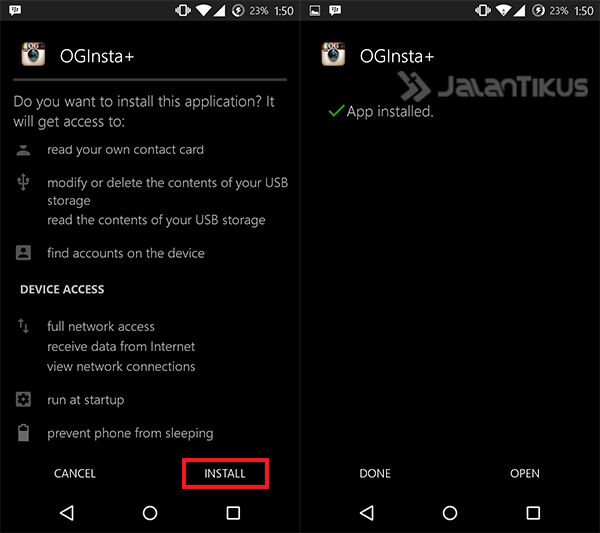
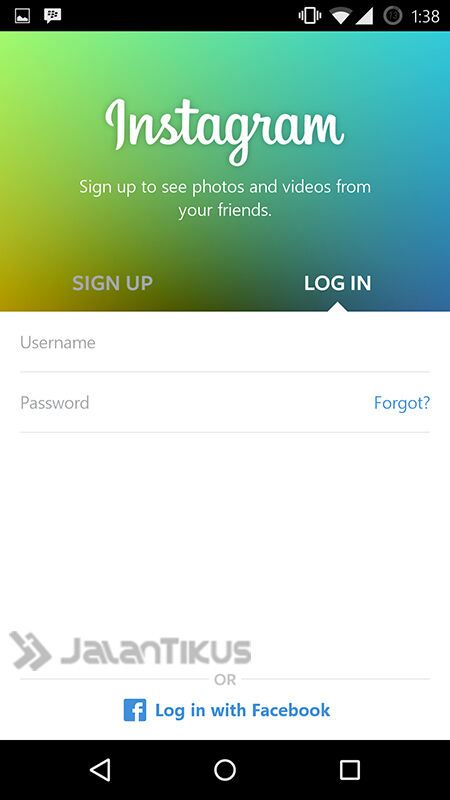
After installation is complete, the next step is to log in with the account you want to use in the second Instagram.
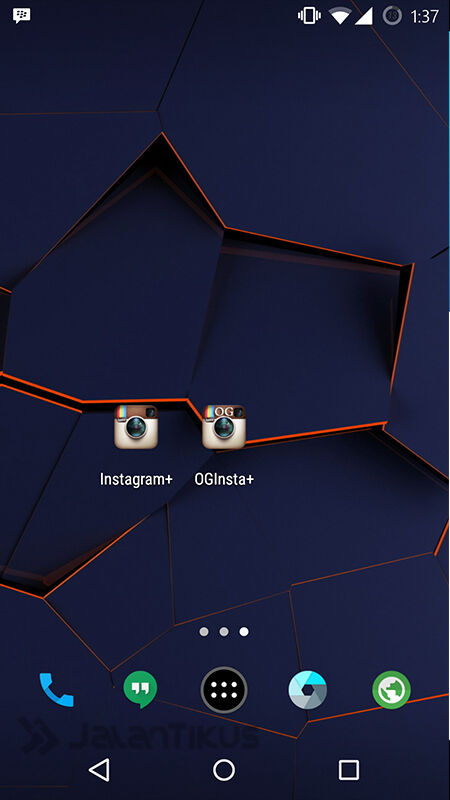
In order to more easily access both Instagram, Instagram you can put both of them at the front of the screen.
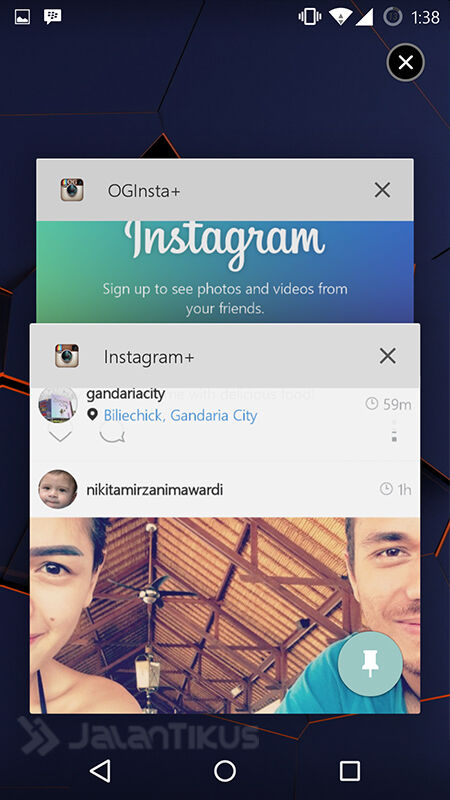
Here is the appearance Dual Instagram.
About Me

Popular Post
-
Hiding IP Address with Psiphon Every computer or laptop connected to the internet connection of course has an IP Address. So that we ca...
-
Porting Android ROMs all Mediatek MT65XX For Rom ported from Mediatek processor device MT65xx generally meet the same ...
-
Who does not sway when hear songs ngebass, minimal foot movement-geraklah especially if a good mood again. But sometimes the quality of the...
-
 How to reset epson stylus C58 printer there are 2 ways . If you use the first method using v4.3 SSC program fails , maybe ...
 -
Do you want to try a particular game or application in the Google Play Store but in the paid version? Doubt ya want to buy the application ...
-
Good news for users of the Galaxy Chat B5330 because it has been available XWUBMD2 firmware update Android 4.1.2 Jelly Bean . I...
-
 Pada artikel sebelumnya kita sudah membahas sekilas mengenai PTC Digadz yang memiliki sistem yang mirip dengan Paidvert . Dan sebagai la...
0 komentar
Post a Comment